How SparkLearn Actually Works, Start to Finish
The set-up, the delivery, and the evidence it landed.
A quick look at how a company builds and assigns training in SparkLearn.
Walkthrough
Four Steps to Training No Matter Your Team Size
Here's a breakdown of who does what. The good news? Less of this is your job than you'd think.
01
Your site gets built
The AI Set-Up Assistant asks about your business, deskless workers, and the roles you train, then builds your groups, topics and a scaffolded site around them and applies your logo and colors. It runs once, at set-up.
If you would rather build the structure yourself, you can. The assistant is a head start, not a requirement.


02
Your content comes in
Three methods. Most teams use a combination.
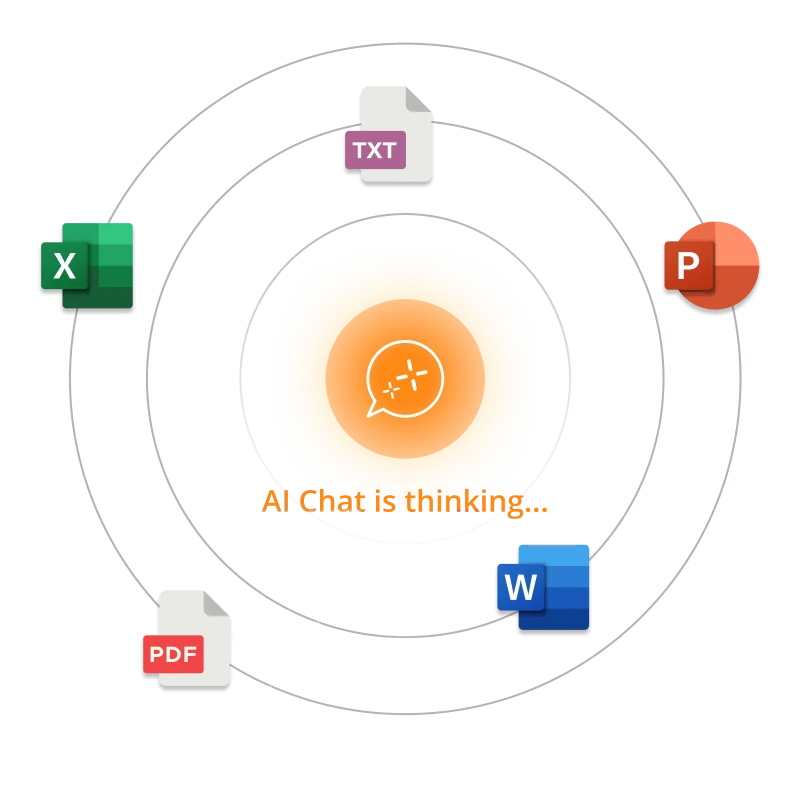
Upload what you already have and let the AI Course and Article Assistants turn it into mobile-friendly training.
Bring across eLearning built in Articulate, Adapt, Captivate or Rise; it comes in as xAPI.
Start with SparkLearn's content library, or add OpenSesame's catalog, while you build your own microlearning.
03
It reaches the right people
Add your teams and sort them into groups. Assign content with due dates, or let SparkLearn recommend what each person sees next (both models are covered below). Learners get it on the iOS and Android app or in a browser, with push and email reminders.
Bulk import and single sign-on, available at the Essential tier and above, make larger training rollouts a breeze.

04
You see what landed
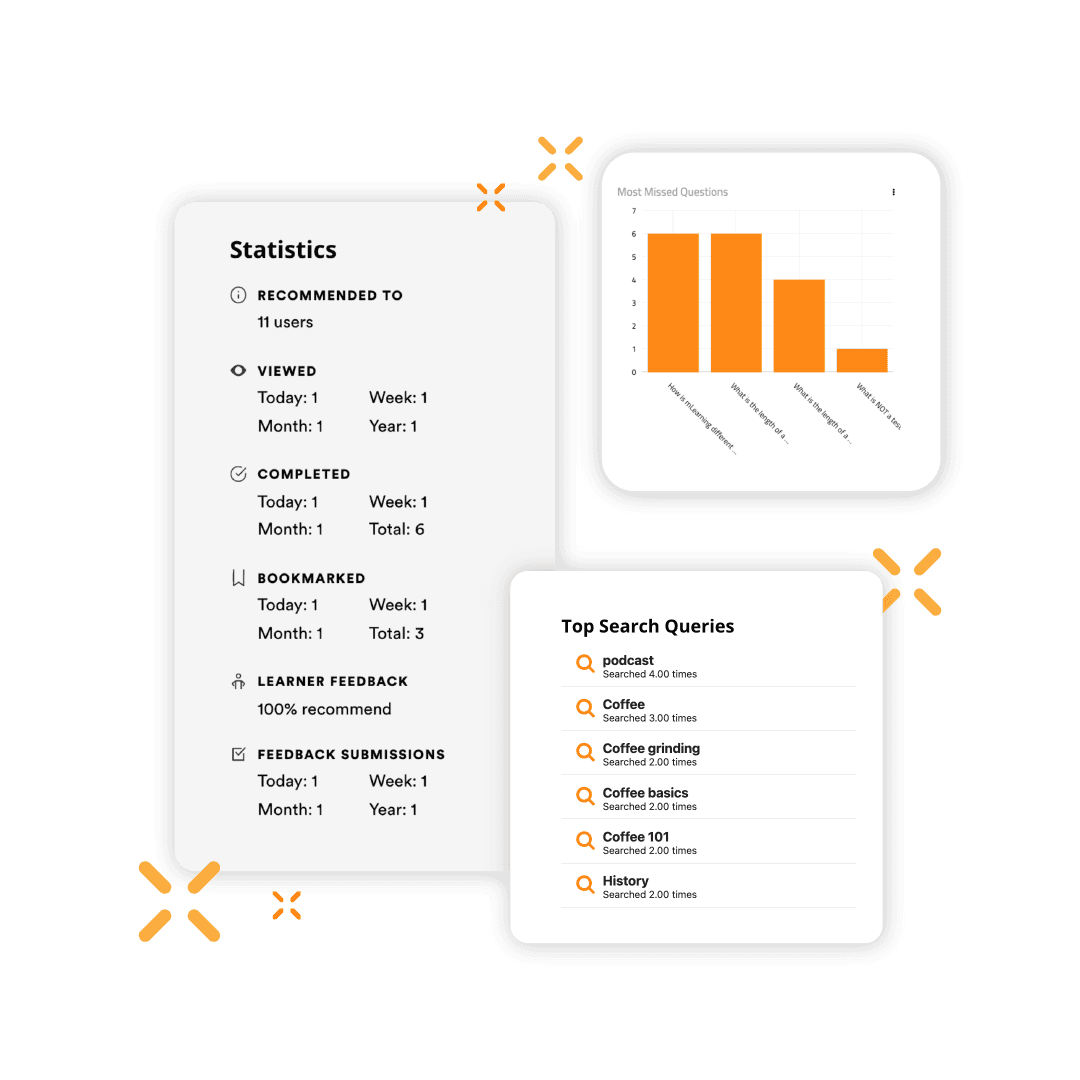
Every interaction is recorded as an xAPI statement, so progress and engagement appear in the dashboards without you configuring anything. Over 100 statement types ship out of the box, giving you valuable insights into performance support usage, assessments, and more.
Training changes. These four steps are the same every time you come back to them.
Delivery
Two Ways to Build a Learning Path
Some platforms build every path the same way. In SparkLearn it's your call and it can be different for every training situation.
Assign it explicitly
Put people in groups, assign the courses they need with due dates, and track completion against them. This is how most teams run onboarding and required training, and it is the model to use when someone has to have seen something for compliance or other regulatory needs.
Or let it adapt
SparkLearn can gauge what a learner already knows about a subject and tune recommendations based on their interests, groups, and activity in the app. Authors set the thresholds, so an experienced hire skips past what they can already demonstrate while a new one gets the full path.
The two are not exclusive. Required frontline training stays required; everything around it can adapt.
Access
Most of Your Team Only Needs the App
Everyone at your company uses the app. A smaller group also works in the content management system (CMS) where training is built and people are managed. How much of the system each person can reach and interact with is up to you.

Native iOS and Android apps, plus a browser version. Learners see what has been assigned to them and what has been recommended, and can follow the topics they care about. They can bookmark, set their own goals, take notes and annotate as they read, search across everything you have published, browse the glossary, and so much more.


For the people building it
The admin experience is where users and groups are managed, content is written, media is added, and work moves through review before it is published. Permissions come in degrees: whoever owns the site can rename and rebrand it, content managers create and publish, and more limited roles can draft and send work on for review without publishing it themselves.
From our mobile app to our desktop CMS, SparkLearn does digital learning differently.

Performance Support
The Part That Isn’t Training
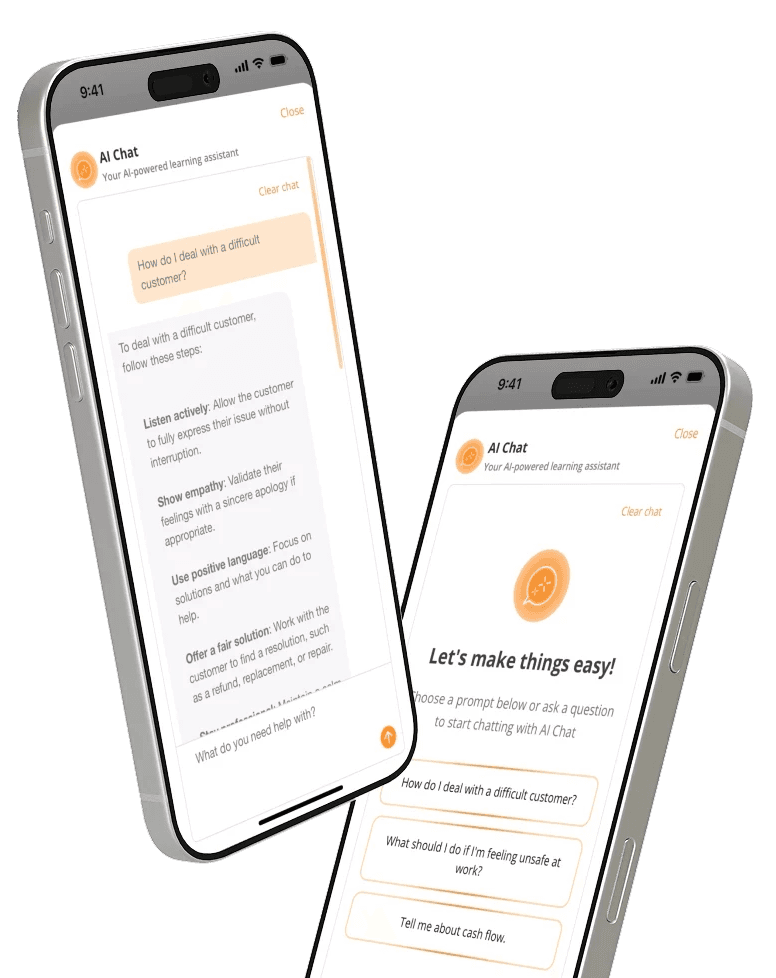
A lot of what your team needs at work is not a course. It is one procedure, in the middle of a shift, on a phone. SparkLearn carries checklists for step-by-step tasks and deep-linked document search that takes someone to the part of a long document they need rather than the front of it. AI Chat answers in the same place, from the same material. Augment your training with great reference material using SparkLearn.
Your Stack
Fitting Into What You Already Have
Getting people in
Bulk-import your users to start, or connect your identity provider — single sign-on over SAML is available from the Essential plan up. HRIS sync for Premium and Enterprise customers keeps your user list current. The learner apps come from the public app stores or in the case for Enterprise customers, your own MDM or Unlisted availability on app stores.
Sitting beside your LMS
SparkLearn is built to work alongside the systems you already run rather than replace them. Existing eLearning comes in as xAPI, and everything that happens in SparkLearn goes out as xAPI too, so your own reporting stack sees it. There is an API for user sync and custom integrations. Just-in-time training for mobile workforces just got a lot easier.

Frequently Asked Questions
Get answers to the most commonly asked questions about SparkLearn®.